

Back to article
3348
Utilisation de plusieurs connexions Bluetooth®
Le multipoint est une fonctionnalité qui permet à votre produit de se connecter à plus d’un appareil Bluetooth. C’est utile pour passer d’un smartphone à l’autre sans se déconnecter et se reconnecter à chaque fois.
Using multiple Bluetooth connections | Bose QuietComfort Ultra Headphones (2nd Gen)
Switching between two connected devices
To identify the connected device, press the Bluetooth/Power button and release to hear which devices are currently connected.
To switch between connected devices
- Pause audio on your first mobile device.
- Play audio on your second mobile device.
Try disabling the Multi-point connection in the app
If you find that notifications from your secondary device interrupt your listening experience on your primary device, you can turn off Multi-point.
In the Bose app, go to Settings>Bluetooth Connections and toggle Multi-point connection to 'off'. This will disconnect your secondary device.
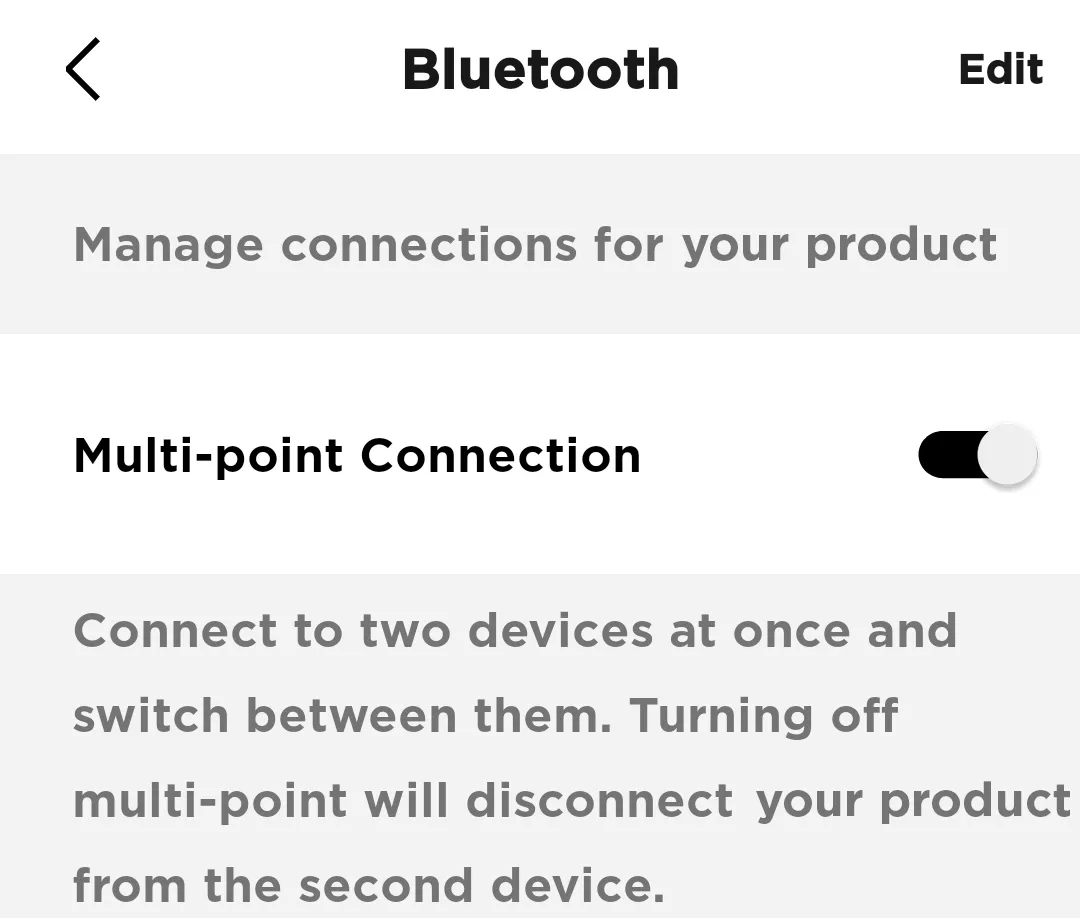
Note: You will only be able to connect to one device at a time. If you want to connect to two devices simultaneously, toggle Multi-point connection back to 'on'
In the Bose app, go to Settings>Bluetooth Connections and toggle Multi-point connection to 'off'. This will disconnect your secondary device.
Note: You will only be able to connect to one device at a time. If you want to connect to two devices simultaneously, toggle Multi-point connection back to 'on'
Avez-vous trouvé cet article utile ?
Nous vous remercions de votre participation.